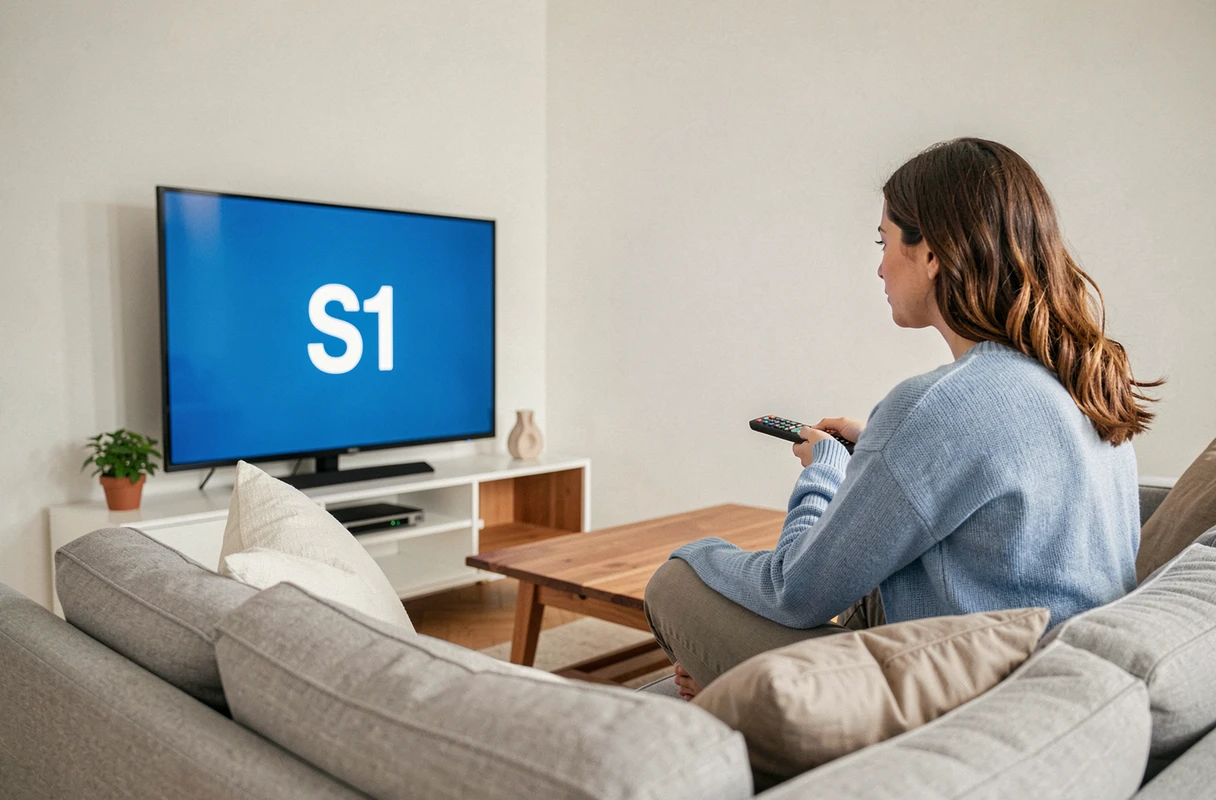
When the Bouygues decoder screen displays an S1 code, the television remains black, and the temptation to unplug everything in haste is great. This code indicates a communication issue between the Bbox and the TV decoder, not necessarily an internet line failure. Understanding this mechanism helps avoid wasting time on false leads and allows you to target the right action from the start.
Box-decoder connection: what the S1 code reveals about your Bouygues installation
The S1 error code indicates a break in communication between the Bbox and the connected TV equipment. Unlike a typical internet outage (where nothing works, neither web nor landline), the S1 can appear while the internet connection remains operational on your other devices.
This distinction is crucial. If your computer or smartphone is browsing normally via Wi-Fi while the decoder shows S1, the problem lies on the box-decoder segment, not on the fiber or ADSL line itself. The error points to a wiring defect, a loss of network synchronization, or a pairing issue between the two boxes.
A detailed article on the S1 error code at Bouygues describes the different variants of this failure and the scenarios in which it occurs, particularly after hardware changes or modifications to Wi-Fi settings.
Diagnostics through indicators and the Bbox interface before any manipulation
The usual reflex when facing a box error is to restart all the equipment. This approach sometimes works, but it doesn’t teach you anything about the origin of the problem. If the error returns a few hours later, you start from scratch.
Before touching the cables, two quick checks can help distinguish a local failure from a network incident:
- The indicators on the Bbox provide a first visual diagnosis. An internet light that is off or blinking red indicates an upstream problem (line, Bouygues infrastructure). A stable green internet light, combined with an off or orange TV light, confirms that the fault lies between the box and the decoder.
- The administration interface accessible via mabbox.bytel.fr (or the local IP address of the box) displays the connection status, synchronized speed, and detected devices. If you access this interface from a browser, your line is functioning: the problem is indeed localized on the decoder side.
- Outage tracking sites like istheservicedown.fr allow you to check if other Bouygues subscribers in your geographical area are reporting incidents at the same time. A widespread network outage makes any local manipulation unnecessary.
This diagnosis takes less than two minutes and guides the next steps much more reliably than a blind restart.
Wi-Fi change or Bbox replacement: the underestimated cause of the S1 code
Classic troubleshooting guides emphasize restarting and checking cables. However, one scenario frequently arises in subscriber feedback without always being identified: the S1 code appears after a modification to the Wi-Fi network.
When you change your wireless network name (SSID), the security key, or when Bouygues sends you a new Bbox during a fiber migration, the TV decoder loses its pairing. It tries to connect to a network that no longer exists or whose credentials have changed. The result: an S1 code on the screen, while everything else in the installation works normally.
Orange explicitly documents this case for its own decoders with error codes S01-07 and S01-08, stating that a change of Livebox or Wi-Fi key requires manually reconnecting the decoder to the new network. The mechanism is identical at Bouygues: the Bbox decoder must be reassociated with the Wi-Fi network of the new box or the renamed network.
The reassociation procedure generally goes through the network configuration menu of the decoder, accessible via the remote control. You need to select the new SSID and enter the updated security key. If the decoder is connected via Ethernet rather than Wi-Fi, ensure that the cable is properly plugged into the correct port on the new Bbox, as some models have dedicated ports for TV.
Resolving the S1 code on Bbox: the steps in the correct order
Once the diagnosis is made, the resolution follows a logical sequence. The order matters: starting with the simplest action helps avoid worsening the situation.
First, check the wiring between the Bbox and the decoder. A poorly plugged Ethernet cable, a loose coaxial cable, or a connection to the wrong port is enough to cause the error. Disconnect and then firmly reconnect each cable, visually inspecting the ends.
If the wiring is correct, proceed with a sequential restart. Turn off the decoder, then the Bbox. Wait about thirty seconds. Turn the Bbox back on first and wait until all the lights are stable. Then turn the decoder back on. This sequence forces a complete resynchronization between the two devices.
If the error persists after the restart, initiate the Wi-Fi reassociation procedure described above. If your decoder is connected via Wi-Fi and the network has been recently modified, this step resolves most residual cases.
The last option before contacting Bouygues Telecom customer service: a factory reset of the decoder. This action erases the saved network configuration and forces the decoder to start from scratch. It requires reconfiguring all TV settings, but it can eliminate a persistent software bug.
When the problem exceeds the box: contact Bouygues Telecom
If none of the previous actions eliminate the S1 code, the fault may come from a materially defective device or an incident on the line itself. Field reports vary on this point: some subscribers have resolved the issue with a simple decoder exchange, while others had to wait for a technical intervention on the fiber optic.
The Bouygues Telecom customer service has remote diagnostic tools capable of testing the connection between your devices and the network. An advisor can run a line test, check the status of the fiber connection, and, if necessary, schedule the dispatch of a technician or a replacement decoder.
The S1 code remains, in the vast majority of situations, a local communication problem between the box and the decoder. Checking the indicators, wiring, and Wi-Fi pairing resolves most cases without external intervention. Keeping in mind the possibility of a recent network change as a trigger can save valuable time before calling for assistance.